Schedules
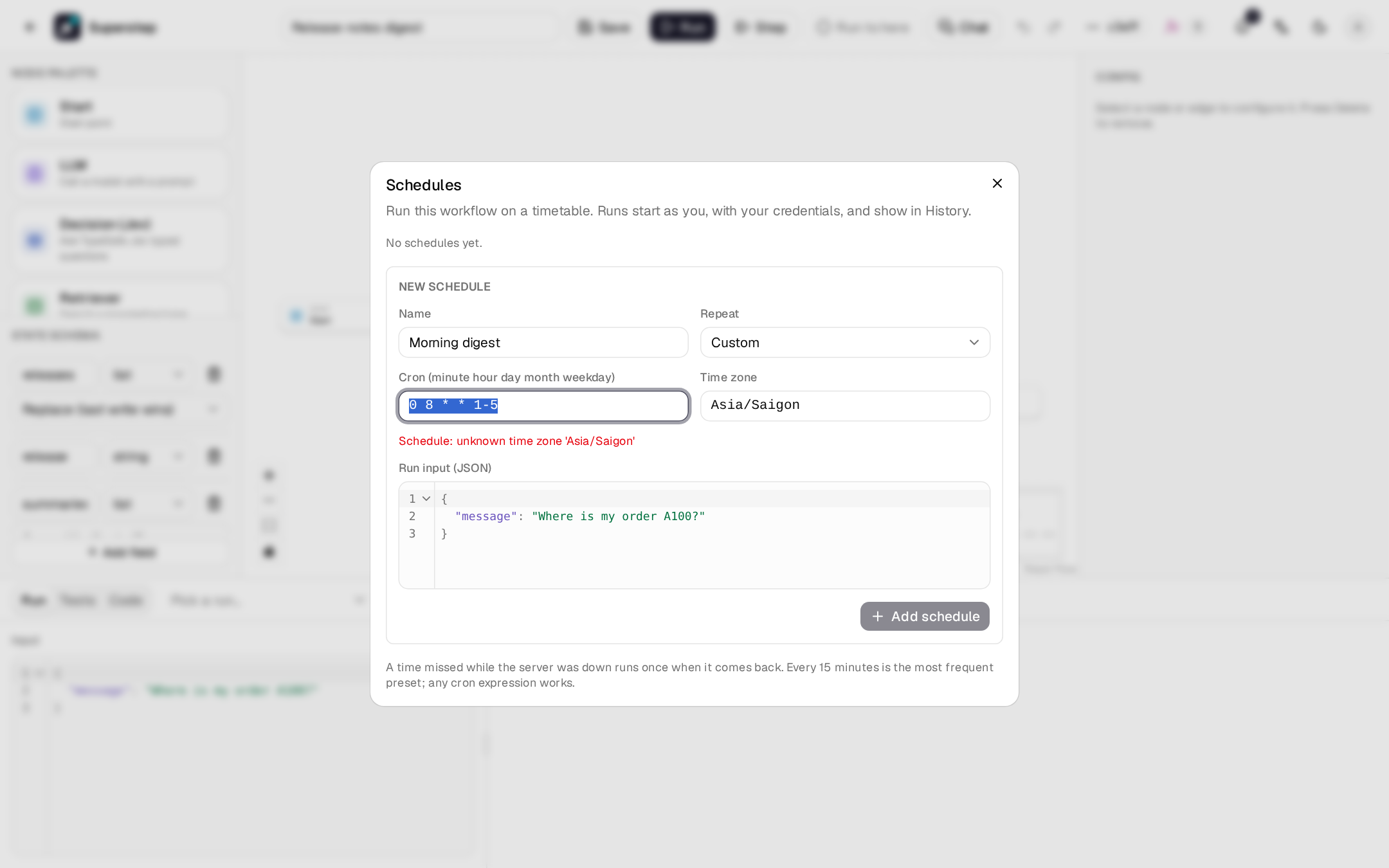
⋯ → Schedules in the editor runs the workflow on a cron timetable. The workflow's owner sets the schedules. To start runs from a chat message, see Chat triggers.
Before you begin
- Owner access to the workflow (its owner, or an admin). A schedule runs as the user who created it and stops if that user loses access.
- The worker running: due schedules are queued as jobs.
Cron syntax
Five fields: minute hour day-of-month month day-of-week.
| Form | Example | Meaning |
|---|---|---|
* |
* * * * * |
every minute |
| Range | 0 9-17 * * * |
on the hour, 09:00 to 17:00 |
| List | 0 8,12,18 * * * |
at 08:00, 12:00 and 18:00 |
| Step | */15 * * * * |
every 15 minutes |
| Names | 0 8 * * mon-fri |
weekdays at 08:00 |
| Shortcuts | @hourly, @daily, @weekly, @monthly, @yearly |
When both day fields are set, a day matches if either does. The dialog shows the next run times as you type.
Time zones and DST
Each schedule has an IANA time zone (the browser's by default). A wall-clock time skipped by a daylight-saving change runs an hour later; a repeated one runs once.
How schedules run
- Each schedule has a JSON run input.
- Runs start as the schedule's creator, go through the same job queue as API runs, and appear in History with a Schedule badge.
- A time missed while no worker was running fires once when one comes back.
- Several API processes never fire the same time twice.
- A schedule turns itself off if its creator loses the right to manage the workflow, and is removed the next time it is due after its workflow was deleted.
- Up to 20 schedules per workflow.